Choose your character.
Explore keyboard recordings and creative effects with an interactive 3D keyboard or a simpler 2D view.
 KEYPHONYMac App Store
 TYPING SOUNDS FOR MAC
Keyphony adds keyboard sounds to your Mac. Put on headphones and enjoy them at the office or in a quiet café.
For Mac · macOS 13 or later

01 / PICK A CHARACTER
A familiar keyboard recording. A little spring. Something delightfully unexpected. Give everyday typing a character of its own.
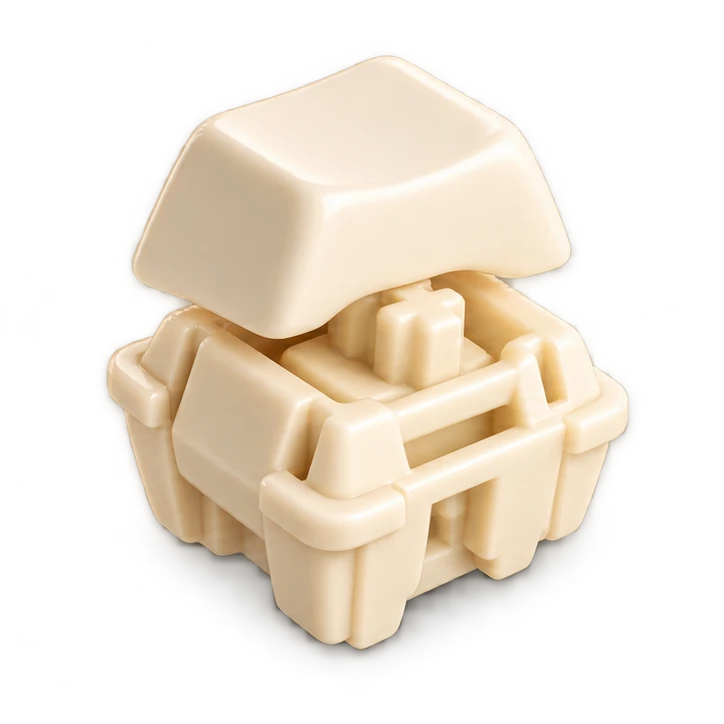
A switch recording with a softer character.
A selection from the app’s sound library. Watch the film to hear examples.
 Water drop
 Jelly
Jelly Pixel farm
02 / GIVE TYPING A CHARACTER
13 seconds inside the Keyphony world. Starts muted; use the player controls to listen.
“Sound.” A blue Keyphony keycap gives way to NK Cream and Holy Pandas switch icons, a blue switch, then Water drop, Jelly, Boing and Pixel farm. The film closes with the Keyphony icon and “Your keys. Your sound.” Music and typing effects accompany the visuals; there is no spoken dialogue.
03 / MAKE IT YOURS
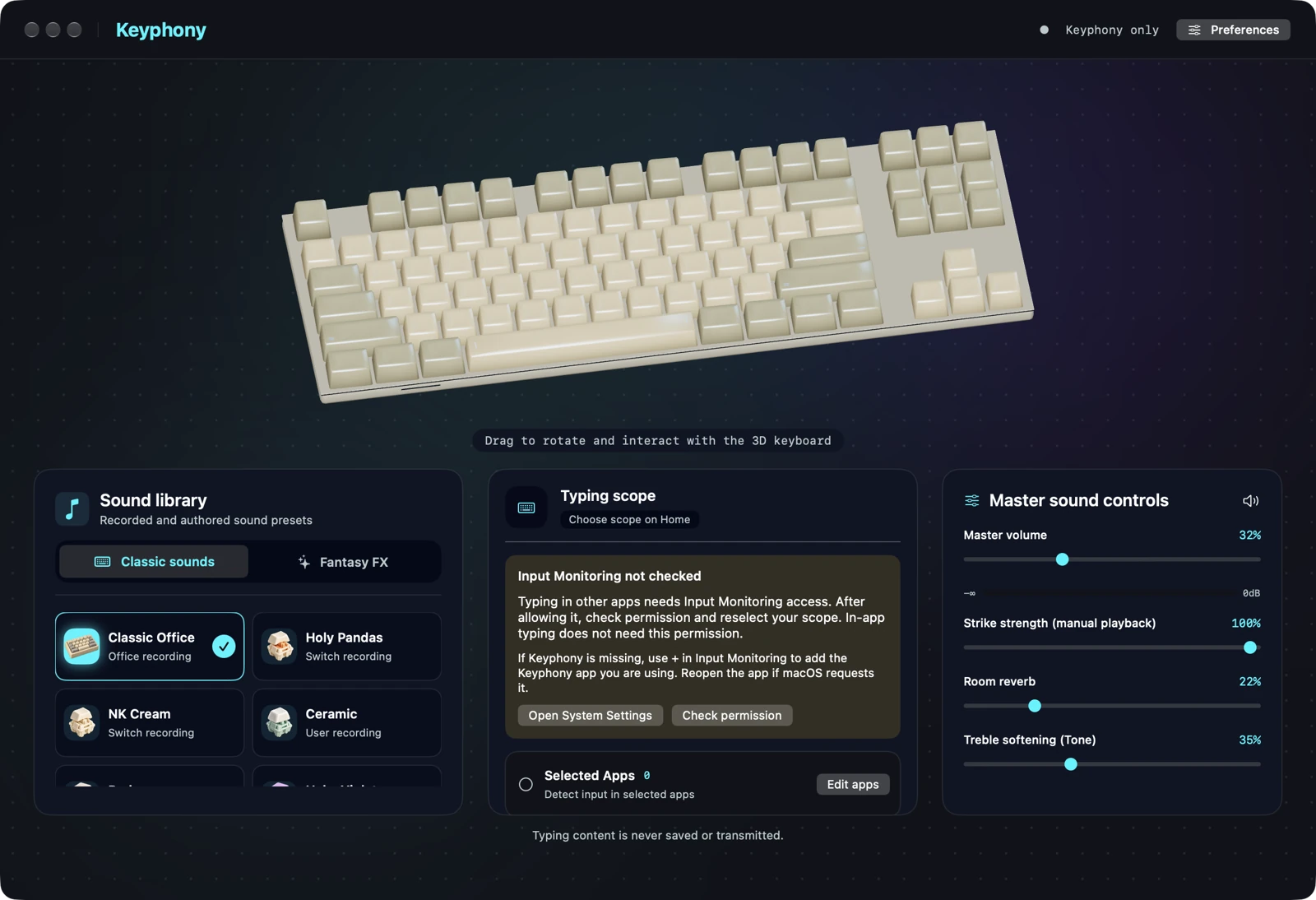
Explore keyboard recordings and creative effects with an interactive 3D keyboard or a simpler 2D view.
Adjust volume, room reverb and tone to shape the sound you hear.
Save combinations you like as presets, ready for another day of typing.
04 / CLOSE AT HAND
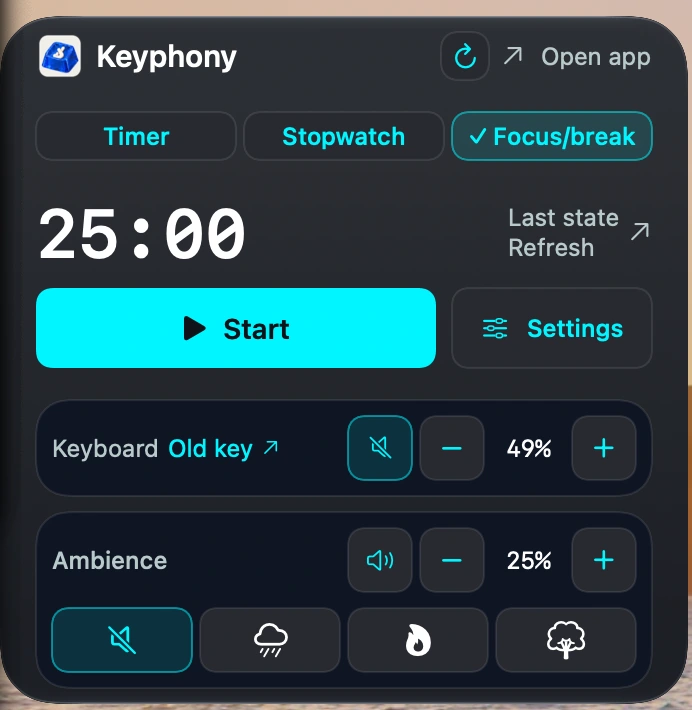
A LITTLE SETUP. THEN MAKE IT YOURS.
For Mac · macOS 13 or later
Keyphony adds software-generated sounds. It does not reduce the physical sound of your keyboard.
Your keyboard’s physical feel and noise stay the same. Keyphony adds sounds through your Mac’s audio output. Use headphones when you want those added sounds just for yourself.
Keyphony is a Mac app. The current Mac App Store version requires macOS 13 or later.
macOS requires Input Monitoring access for Keyphony to react to typing in other apps. In-app typing does not need this permission. You choose the typing scope in Keyphony.
Keyphony does not save or transmit your typing content. Read the app privacy policy for details.